What is Developer Handoff in Figma?
Turn polished designs into clear, buildable specs for engineers.
Overview
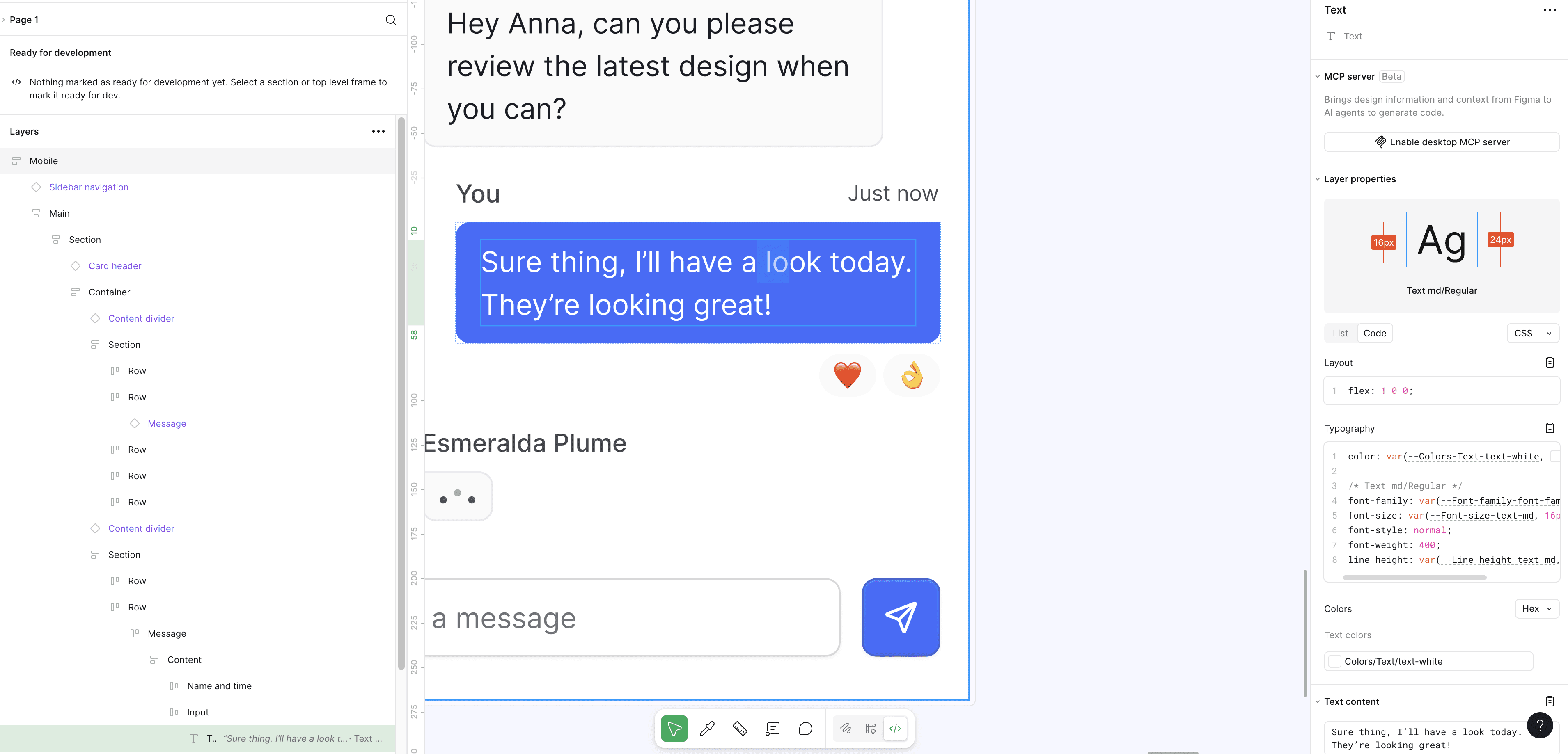
Developer handoff in Figma is the process of preparing your designs so engineers can build them accurately. It’s not just about exporting assets — it’s about creating structured files with clear components, naming, and documentation that developers can use directly in code.
How it works
Clients often ask how to export Figma designs for frontend developers. The answer isn’t just assets — it’s structured components, variables, and tokens that engineers can map directly to code. This becomes critical when shipping MVPs quickly, since a clean handoff reduces rework and accelerates development.
When your layouts use Auto Layout and Constraints, your spacing and behavior are predictable. When your UI is built with Components, Variants, and Variables, developers see patterns they can mirror in code. Add consistent Styles for typography and color, and organize everything inside a Design System, and handoff becomes a translation — not a guessing game.
Practical examples
Shipping an MVP with 20–30 screens without style drift
Handing off responsive layouts that match behavior in code
Aligning designers and developers on tokens and naming conventions
Reducing rework by documenting states and edge cases up front
AI-assisted handoff
For AI-assisted implementation, MCP provides design context rather than finished code. Learn to identify reusable components, explain missing states, and review the output against the real codebase. See developer training for a focused learning path.


Practical Figma training for your own work: private lessons, individual bootcamp places, and separately quoted company workshops. Discuss the tools and learning goals before booking.
Private 1-on-1 Figma lessons
Individual bootcamp places
Team and corporate workshops
Figma AI, agent & Make workflows
Practical, hands-on exercises
Offers