What are Styles in Figma?
Learn how styles keep your colors, text, effects, and grids consistent across projects.
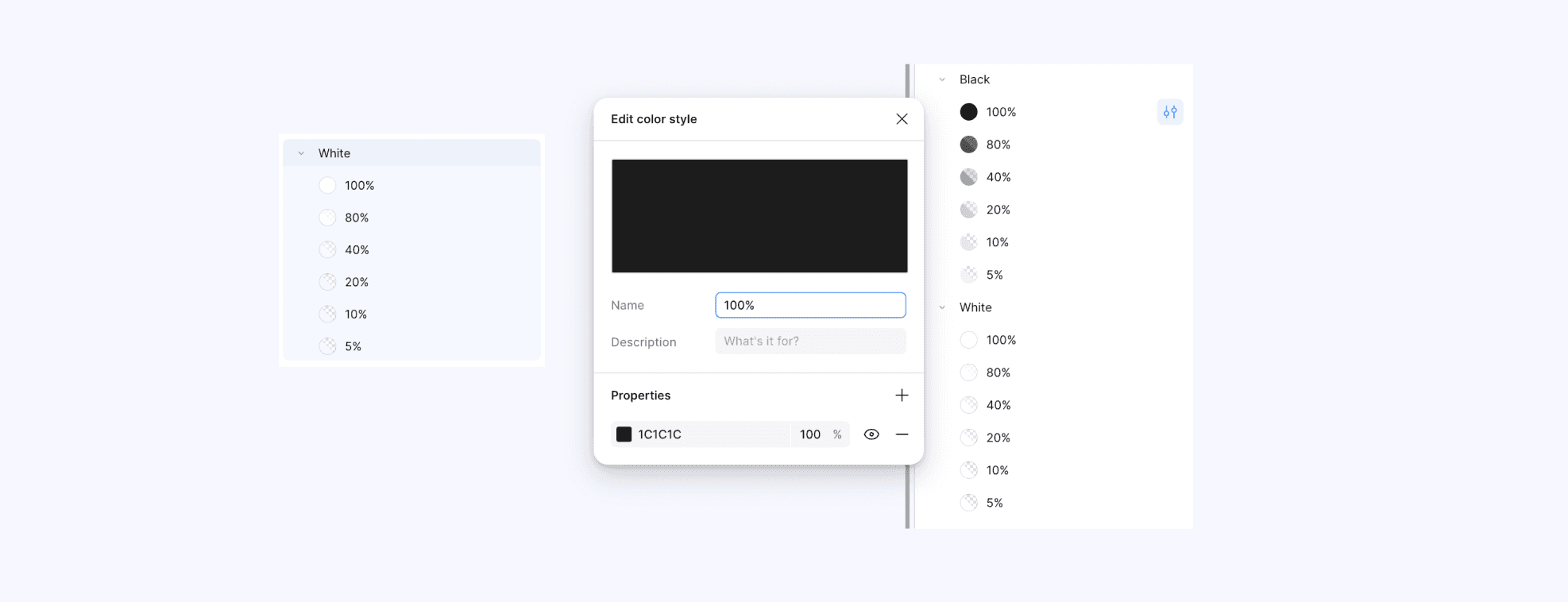
Overview
Styles in Figma let you save and reuse design properties like colors, typography, effects, and grids. Instead of manually setting values on each element, you can reuse a shared style and update connected elements more consistently.
How it works
Many beginners struggle with file hygiene — especially when juggling emails, social ads, and product screens. Styles solve this by making typography, color, and effects reusable across all projects. Review where a style is applied, then publish and accept relevant library updates when working across files.
Styles are the backbone of consistency in design. For example, you can create a “Primary Color” style and use it across dozens of components. Changing the shared style updates connected uses; detached values and library updates need separate attention. The same works for text styles (like headings and body copy), effects (like shadows or blurs), and layout guides.
When combined with Variables and Components, styles become even more powerful. You can build design systems where tokens, variables, and styles all work together to ensure consistency and speed. Styles also make collaboration easier since everyone on the team is working with the same set of visual rules.
Practical examples
Creating a color palette that stays consistent across all screens
Defining text styles for headings, paragraphs, and captions
Applying shadow or blur effects consistently in your UI
Using layout guides to align content at intended design widths
Sharing style changes
A shared library needs a publishing and update workflow. See Figma’s library documentation and confirm that your elements remain connected before expecting a change to appear across files.


Practical Figma training for your own work: private lessons, individual bootcamp places, and separately quoted company workshops. Discuss the tools and learning goals before booking.
Private 1-on-1 Figma lessons
Individual bootcamp places
Team and corporate workshops
Figma AI, agent & Make workflows
Practical, hands-on exercises
Offers