What are Effects in Figma?

Learn how shadows, blurs, and other effects enhance your designs in Figma.
Overview

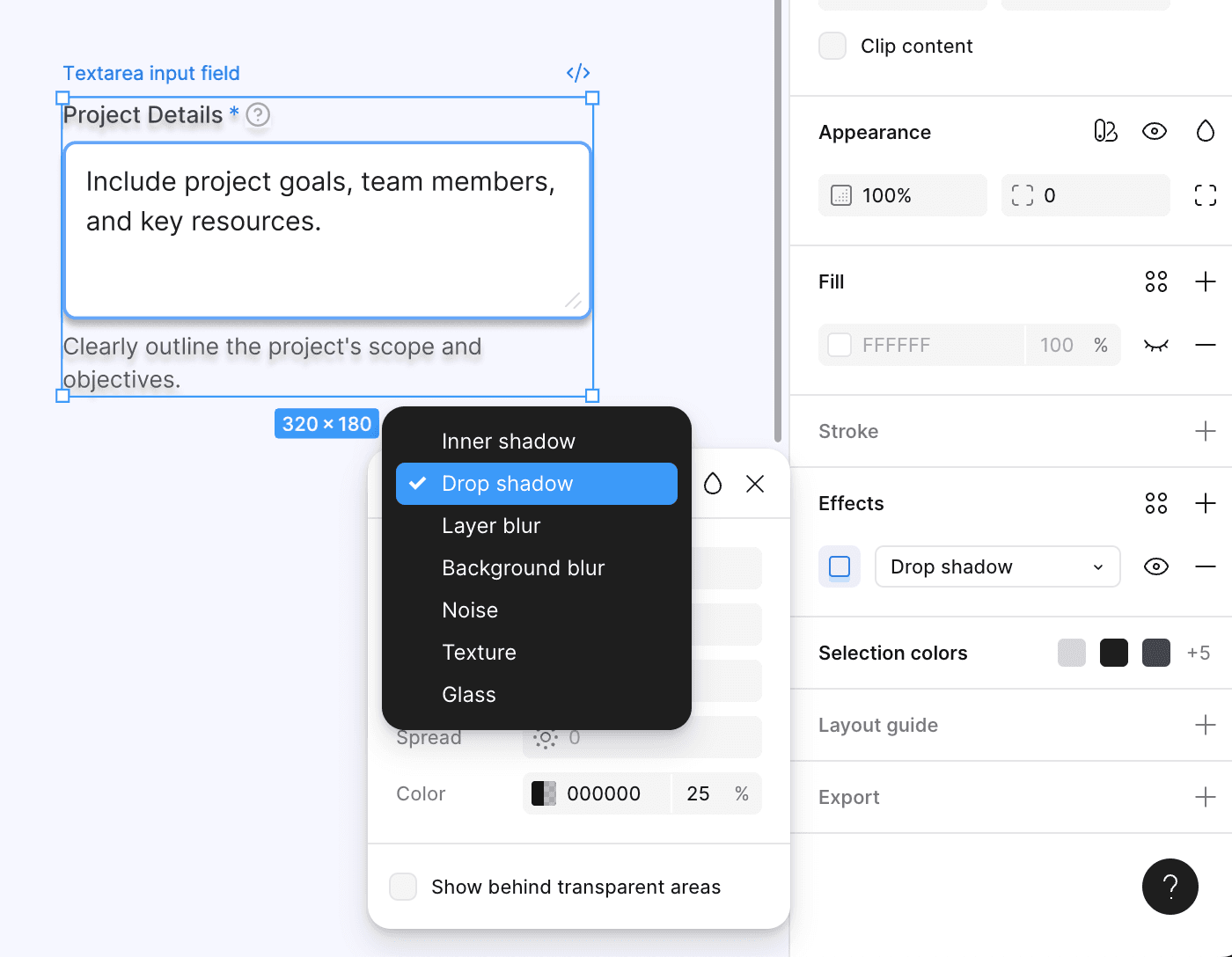
Effects in Figma let you add visual depth and style to your designs using shadows, blurs, and other reusable properties. Just like text and color styles, effects can be saved and applied across your project for consistency.

How it works

Effects go beyond decoration — they help communicate hierarchy and usability. For example, a shadow can make a button feel clickable, or a background blur can create focus on a modal window. In Figma, you can save these effects as styles so they’re consistent across your project and easy to update later.

When combined with Components, Color Styles, and Typography, effects become part of a unified design system. They also work well with Variables for scaling across different themes, and with Design Systems for keeping visual rules documented and reusable.

Practical examples

  • Adding shadows to buttons and cards for better visual hierarchy

  • Using background blurs to highlight modals or popovers

  • Creating consistent glow effects for alerts or status indicators

  • Saving reusable effect styles inside a shared Design System
Recommended Courses

Recommended Courses

Recommended Courses

Recommended Courses

Practical Figma training for your own work: private lessons, individual bootcamp places, and separately quoted company workshops. Discuss the tools and learning goals before booking.

Private 1-on-1 Figma lessons

Individual bootcamp places

Team and corporate workshops

Figma AI, agent & Make workflows

Practical, hands-on exercises

Offers

Need Help Learning Figma Faster?

What would you like to learn next?

Discuss your goals in a free 15-minute call. Choose practical Figma training, AI coaching, an individual bootcamp place, or a workshop for your team.

Practical Figma and AI training for individuals and teams. Choose private coaching, or discuss a tailored bootcamp or company workshop.

Copyright 2026 — All rights reserved.

Design Tools Coach is an independent training service, not affiliated with, sponsored by, or endorsed by Figma, OpenAI, Anthropic, or Google. Product names, logos, and brands belong to their respective owners.