What are Constraints in Figma?
Learn how constraints control how elements resize across frames and devices.
Overview
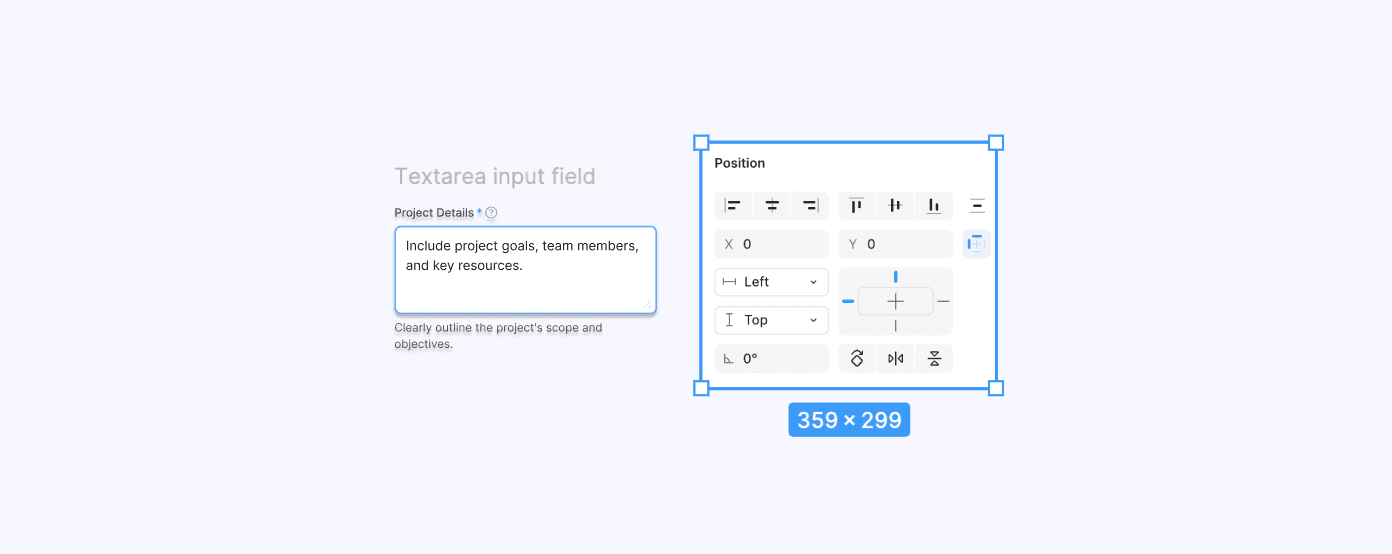
Constraints in Figma define how elements behave when their parent frame is resized. They let you “pin” objects to the left, right, center, top, or bottom, and decide whether they stretch or stay fixed.
How it works
Constraints are one way to control resizing in a Figma frame. Auto Layout provides a different set of sizing and flow rules; ordinary children in its flow use those rules rather than traditional constraints. Choose the mechanism that matches the layer structure.
Constraints work best when combined with Auto Layout and Responsive Design. Use each tool where appropriate: constraints control supported layers within resized frames, while Auto Layout manages its own child sizing and flow. Different widths and layouts still need deliberate design and testing. Constraints also connect naturally to Components, since reusable elements need to resize correctly in different layouts.
When a layer moves unexpectedly, check its parent structure and resizing rules. A Figma constraint describes design behaviour; it does not generate responsive website or email code.
Practical examples
Pinning navigation bars to the top of a frame
Keeping a layer aligned to the bottom of its parent as that frame resizes
Making images stretch to fill available space
Testing how a card behaves as its parent frame resizes


Practical Figma training for your own work: private lessons, individual bootcamp places, and separately quoted company workshops. Discuss the tools and learning goals before booking.
Private 1-on-1 Figma lessons
Individual bootcamp places
Team and corporate workshops
Figma AI, agent & Make workflows
Practical, hands-on exercises
Offers