Tim
Marta
Sam
Elon

Mark
Auto Layout spacing and resizing breaking
Components breaking when swapped or resized
Variants getting messy and hard to manage
Files becoming impossible to navigate
Styles not updating across your designs
Bring a Figma problem. Work through it together.
Skills and Tools
Practical Figma skills you can use in your work
Skills
Master Figma’s Interface & Navigation
Design Wireframes & Interactive Prototypes
Use Auto Layout & Constraints Effectively
Organize Files, Layers & Naming
Build & Maintain Design Systems, Components & Libraries
Work with Local Variables
Collaborate & Hand Off Designs to Teams & Developers
Use the Figma Agent with Context
Design Responsive Layouts for Any Device
Build Prototypes with Figma Make
Create Brand Assets with Figma Buzz
Present Ideas with Figma Slides
Tools
AI Workflows
Figma AI, agent & Make training
Learn what to ask AI to do, what context to provide, and how to check the result. Choose a focused 1:1 lesson or a team workshop; we agree the tools and scope before training.
Figma AI & the Figma Agent
Practise canvas edits with your components and variables. Give clear context, compare options, and review changes before keeping them.
Figma Make Prototyping
Turn a brief or design into a working prototype. Refine layouts, interactions, and states through focused prompts and practical checks.
Design Systems & Make Kits
Explore reusable library context and guidelines for Make. Distinguish design assets from coded components before choosing a workflow.
Review, Refine & Hand Off
Check content, layout, component reuse, and implementation questions. AI output is a starting point to review, not an automatic finished deliverable.
Why
Why learn Figma with a coach?
Work through the problems in your own files, ask questions as you go, and understand why each solution works. The goal is to help you use Figma more confidently on your own.


Testimonials
What Students Are Saying
Real feedback from designers worldwide who’ve leveled up their skills with 1:1 private Figma lessons.


Trusted by 1,000+ Designers & Teams Worldwide






Figma for Designers
From your first question to practical progress
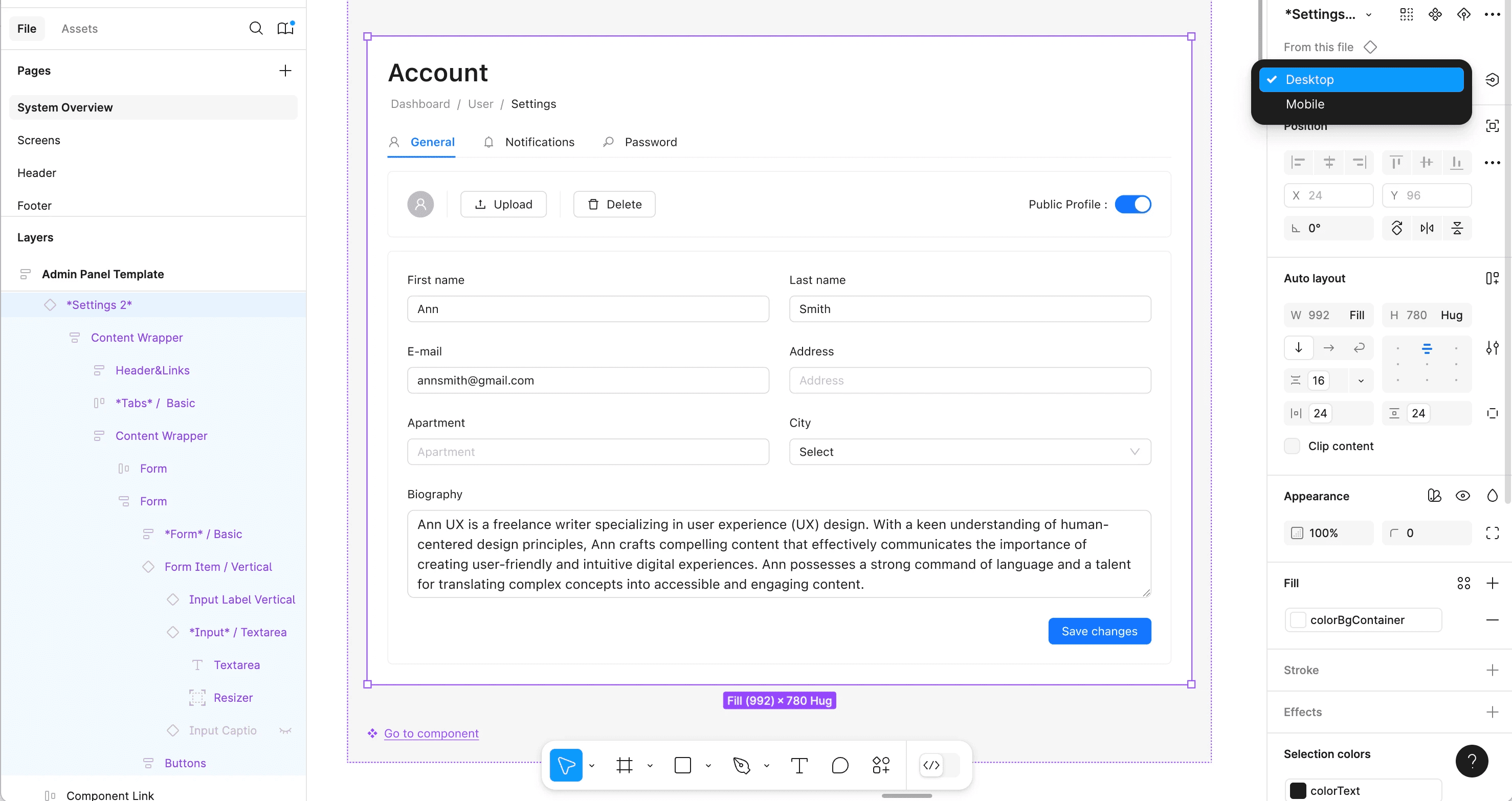
Figma for Designers
Designers
Private Figma lessons built around your goals
Build reliable layouts and reusable components, or work through an AI-assisted design challenge. Private lessons can focus on Figma fundamentals, the Figma agent, or Figma Make. Choose one lesson or a package for continued practice.
Tailored learning plans for your goals and skill level
Real-time feedback on your projects
Faster progress without trial-and-error
Practical, real-world workflows you can use immediately

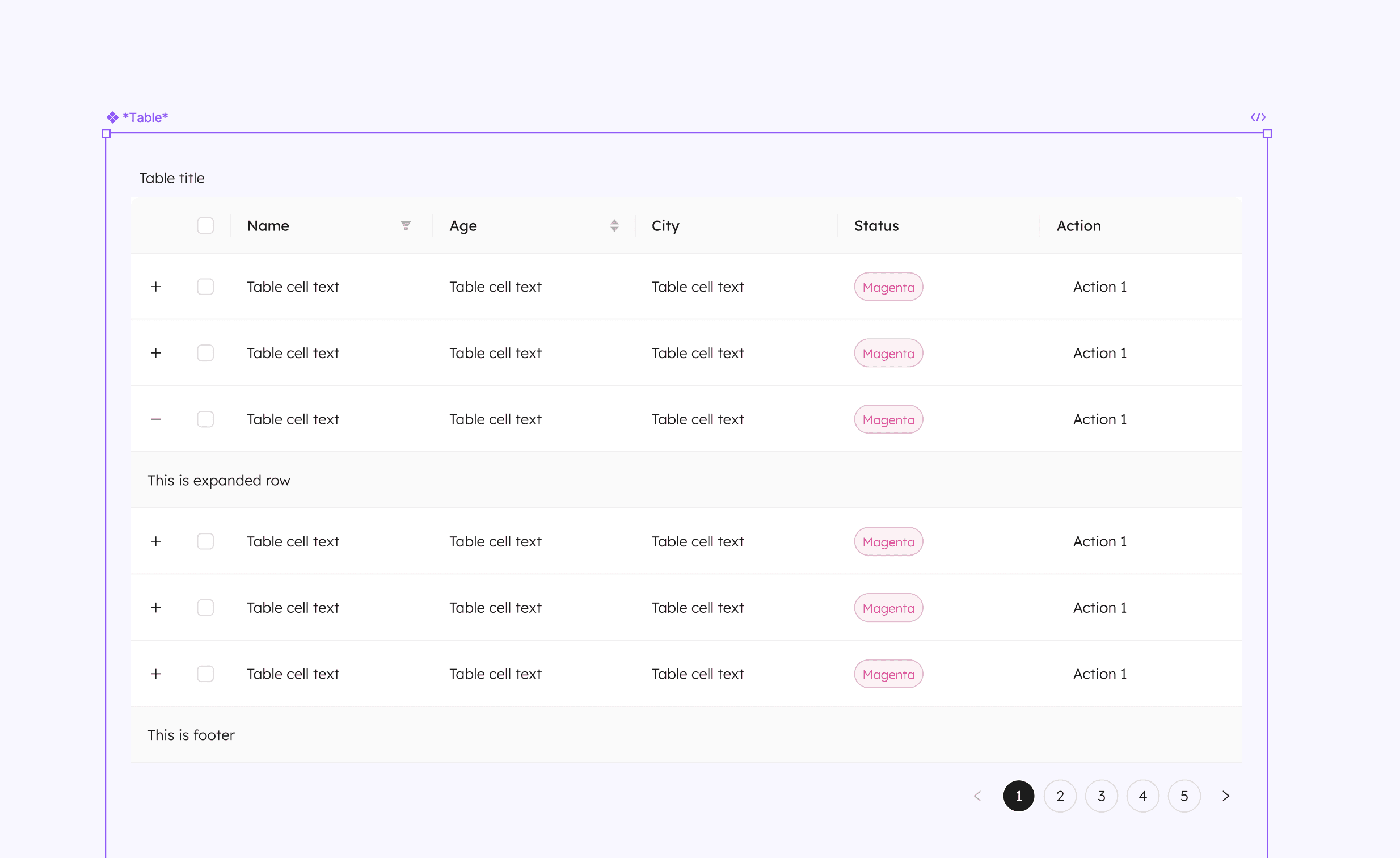
Marta
Figma for Teams & Companies
Figma training built around your team’s workflows
Train around the work your team produces: presentations, brand templates, campaign assets, or digital prototypes. Start with Figma 101 or focus on AI workflows, shared libraries, and collaboration. Company workshops are scoped and priced separately.
Customized content based on your projects and tools.
Hands-on, interactive workshops for faster skill adoption.
Practical exercises using your real files.
Immediate impact on collaboration and efficiency.
Figma For Developers
Understand the design before you build
Read design intent, use Dev Mode, and understand how Figma context reaches AI coding tools. Discuss Make kits, MCP, and code-component mapping where relevant to your team’s setup. Developer training has separate pricing.
Improve collaboration with designers and product teams.
Understand how to read and implement design systems.
Get practical tips to save time and reduce mistakes.
Learn directly in the context of your current projects.
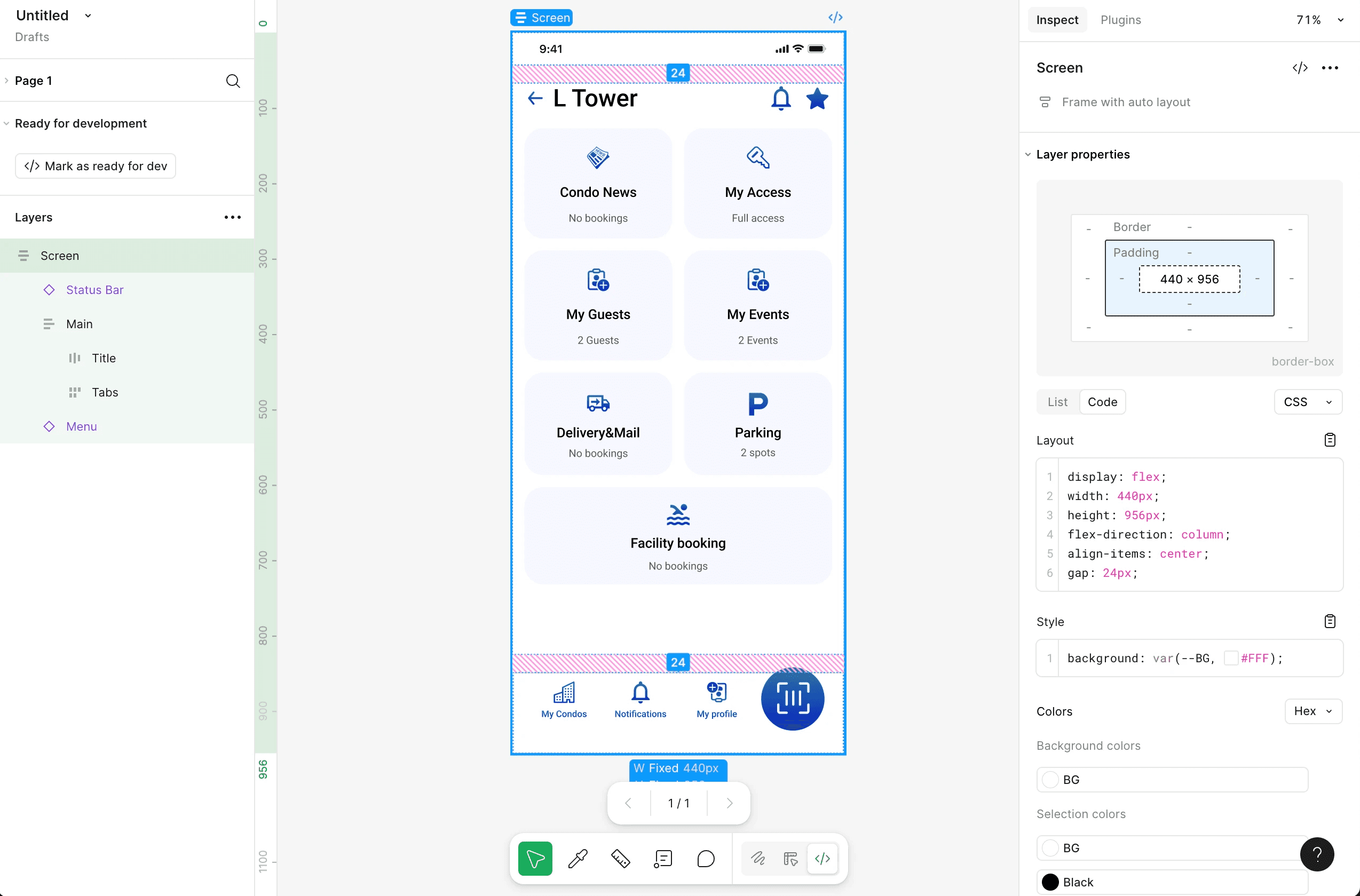

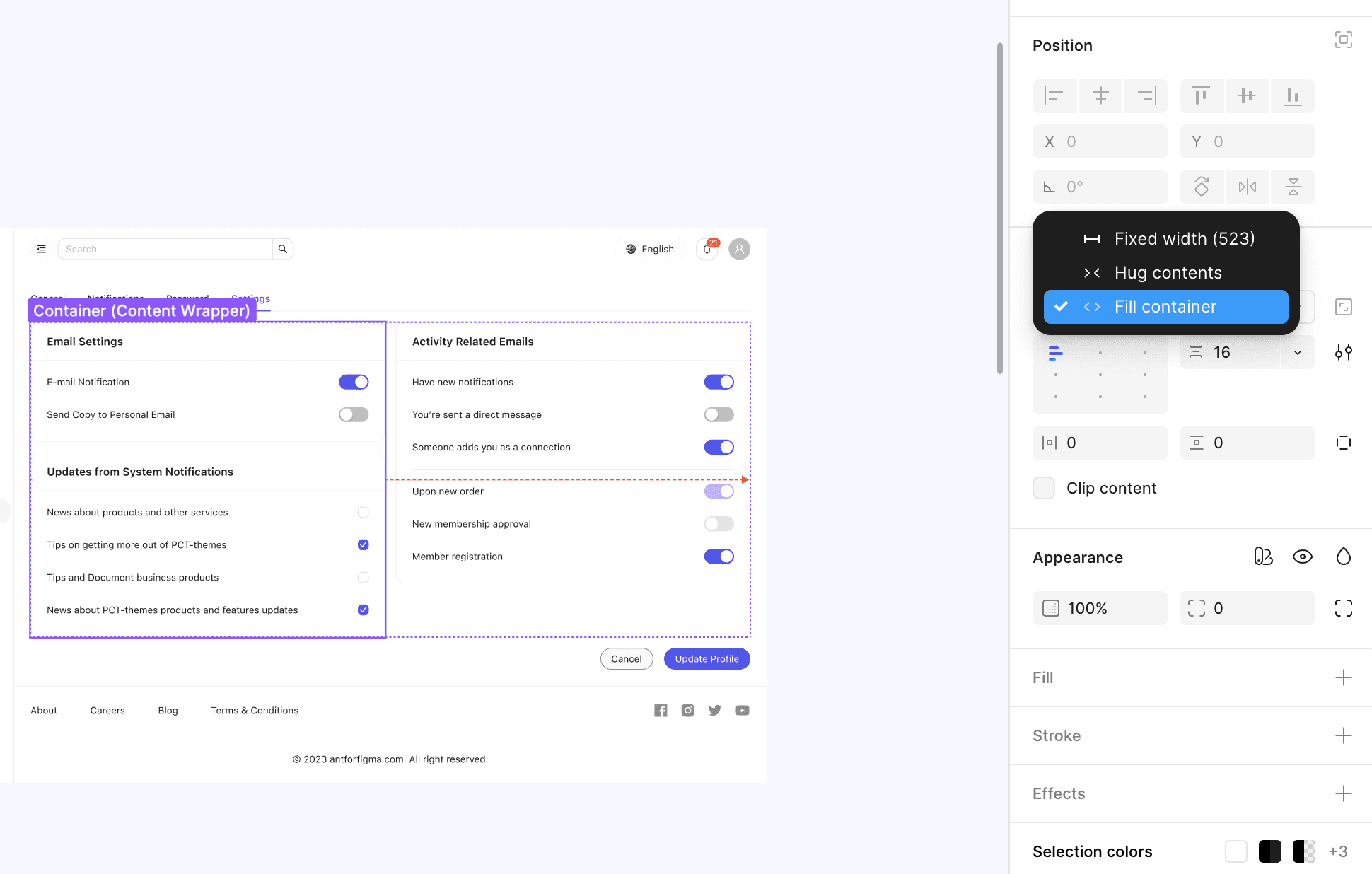

Instructor
I’m Dejan, a designer and Figma trainer. I teach practical workflows for product, brand, and creative work, from layouts and reusable assets to using AI with clear context and careful review.
Bring a real task and we’ll work through the decisions together. The goal is to help you understand the tools, judge the output, and apply the approach independently.
Pricing
Choose the right Figma training
Individual lessons, team workshops, and developer training have separate pricing. Designer 1:1 packages are listed on the Designers page; team training is quoted separately.
Frequently Asked Questions
Choosing lessons, preparing your files, and understanding Figma AI, the agent, and Make.
How are the Figma agent and Figma Make different?
Can a brand or marketing team learn Figma without becoming UX designers?
Not sure which option fits? Start with a free 15-minute consultation.
Tim
Marta
Sam
Elon
Mark