For developers
Figma training for developers and AI-assisted handoff
Learn to read Figma files, use Dev Mode, and clarify design intent before implementation. Explore components, variables, and AI-assisted handoff around your existing workflow.


Trusted by 1,000+ students worldwide


Tim
Marta
Sam
Elon

Mark
For developers
Figma training for developers and AI-assisted handoff
Learn to read Figma files, use Dev Mode, and clarify design intent before implementation. Explore components, variables, and AI-assisted handoff around your existing workflow.
Trusted by 1,000+ students worldwide
Tim
Marta
Sam
Elon
Mark
Who this is for
For developers and product teams turning design intent into working interfaces.
Front-end developers
Work confidently with Figma files and design handoffs.
Engineers implementing design systems
Translate components and variables into consistent implementation.
Product teams
Improve designer–developer collaboration and resolve handoff questions.
Developers new to Figma
Find the specifications, states, and assets you need to get started.
What you’ll learn
Choose a developer-focused topic. Make kit, MCP, and code-library work depends on your account permissions and existing implementation.
Navigate Figma & Dev Mode
Find the screens, specifications, and annotations you need.
Figma MCP & AI Agents
Understand how selected design context reaches a compatible coding agent.
Variables & Code Connect
Read token values and understand design-to-code component mappings.
Responsive Intent & Edge Cases
Review sizing, content changes, and states before implementation.
Make Kit Readiness
Distinguish design-library styles from existing coded components.
Review AI-Assisted Output
Check component reuse, layout, and behaviour against design intent.
Collaborative Handoff
Clarify missing states, responsibilities, and next implementation steps.
Elon
Tim

Lee
Marta

Mark

Sam
What you’ll learn
Choose a developer-focused topic. Make kit, MCP, and code-library work depends on your account permissions and existing implementation.
Navigate Figma & Dev Mode
Find the screens, specifications, and annotations you need.
Figma MCP & AI Agents
Understand how selected design context reaches a compatible coding agent.
Variables & Code Connect
Read token values and understand design-to-code component mappings.
Responsive Intent & Edge Cases
Review sizing, content changes, and states before implementation.
Make Kit Readiness
Distinguish design-library styles from existing coded components.
Review AI-Assisted Output
Check component reuse, layout, and behaviour against design intent.
Collaborative Handoff
Clarify missing states, responsibilities, and next implementation steps.
Tim
Lee
Marta
Mark
What you’ll learn
Choose a developer-focused topic. Make kit, MCP, and code-library work depends on your account permissions and existing implementation.
Navigate Figma & Dev Mode
Find the screens, specifications, and annotations you need.
Figma MCP & AI Agents
Understand how selected design context reaches a compatible coding agent.
Variables & Code Connect
Read token values and understand design-to-code component mappings.
Responsive Intent & Edge Cases
Review sizing, content changes, and states before implementation.
Make Kit Readiness
Distinguish design-library styles from existing coded components.
Review AI-Assisted Output
Check component reuse, layout, and behaviour against design intent.
Collaborative Handoff
Clarify missing states, responsibilities, and next implementation steps.
Elon
Tim
Lee
Marta
Mark
Sam
What you’ll learn
Choose a developer-focused topic. Make kit, MCP, and code-library work depends on your account permissions and existing implementation.
Navigate Figma & Dev Mode
Find the screens, specifications, and annotations you need.
Figma MCP & AI Agents
Understand how selected design context reaches a compatible coding agent.
Variables & Code Connect
Read token values and understand design-to-code component mappings.
Responsive Intent & Edge Cases
Review sizing, content changes, and states before implementation.
Make Kit Readiness
Distinguish design-library styles from existing coded components.
Review AI-Assisted Output
Check component reuse, layout, and behaviour against design intent.
Collaborative Handoff
Clarify missing states, responsibilities, and next implementation steps.
Elon
Tim
Lee
Marta
Mark
Sam
Why Developers Choose Us
With Our Training:
Learn directly in the context of your current projects.
Get practical tips to save time and reduce mistakes.
Understand how to read and implement design systems.
Improve collaboration with designers and product teams.
Without Training:
Confusion over design specs and inconsistent file structure.
Rework due to misinterpretation of designs.
Inefficient back-and-forth with design teams.
Slower project timelines.
Student Testimonials
What Students Are Saying
Feedback from learners who have worked with Dejan through private, one-to-one Figma coaching.
SM

@marylouc
Canada
Super happy with my choice! Dejan is knowledgeable, patient, and explains everything with clarity. His 1:1 Figma coaching helped me make real progress quickly.

TM
@DavidRitter
United States
Dejan's ability to simplify complex design concepts is unmatched. His 1:1 Figma sessions are a must for anyone who wants to retain real, applicable skills. I can't recommend him enough!
SM

@joyceng501
Singapore
Dejan's professionalism and deep knowledge of Figma made every session insightful and enjoyable. His attention to detail truly stands out. Great for UX professionals!
MA

@matthew_arieta
United States
Working with Dejan was a breeze. His Figma coaching went above and beyond—structured, supportive, and filled with valuable feedback. A fantastic instructor for both new and experienced designers.
SM

@baldtel
United Kingdom
I learned more from two Figma coaching sessions with Dejan than I could have in months on my own. His teaching style is clear, powerful, and motivating. Highly recommended for beginners!
Student Testimonials
What Students Are Saying
Feedback from learners who have worked with Dejan through private, one-to-one Figma coaching.
SM
@marylouc
Canada
Super happy with my choice! Dejan is knowledgeable, patient, and explains everything with clarity. His 1:1 Figma coaching helped me make real progress quickly.
TM
@DavidRitter
United States
Dejan's ability to simplify complex design concepts is unmatched. His 1:1 Figma sessions are a must for anyone who wants to retain real, applicable skills. I can't recommend him enough!
SM
@joyceng501
Singapore
Dejan's professionalism and deep knowledge of Figma made every session insightful and enjoyable. His attention to detail truly stands out. Great for UX professionals!
MA
@matthew_arieta
United States
Working with Dejan was a breeze. His Figma coaching went above and beyond—structured, supportive, and filled with valuable feedback. A fantastic instructor for both new and experienced designers.
SM
@baldtel
United Kingdom
I learned more from two Figma coaching sessions with Dejan than I could have in months on my own. His teaching style is clear, powerful, and motivating. Highly recommended for beginners!
Developer coaching and enrollment
Choose a paid 60-minute developer lesson, or discuss a tailored training plan. Developer sessions and team workshops are separate from private Figma coaching packages.
Developer 1:1 Session
See developer pricing
Private, 60-minute training focused on reading Figma files, using Dev Mode, and understanding design-system specifications.
Live instruction with a Figma coach
Hands-on guidance in Dev Mode and design handoff workflows
Personalized feedback
Full session recording
Developer Training Plan
Custom quote
A separate quote for developer-focused training.
Pre-training needs assessment
Custom lesson plan
Interactive exercises and Q&A
Recording and resource materials
Courses
Explore Our Figma Courses
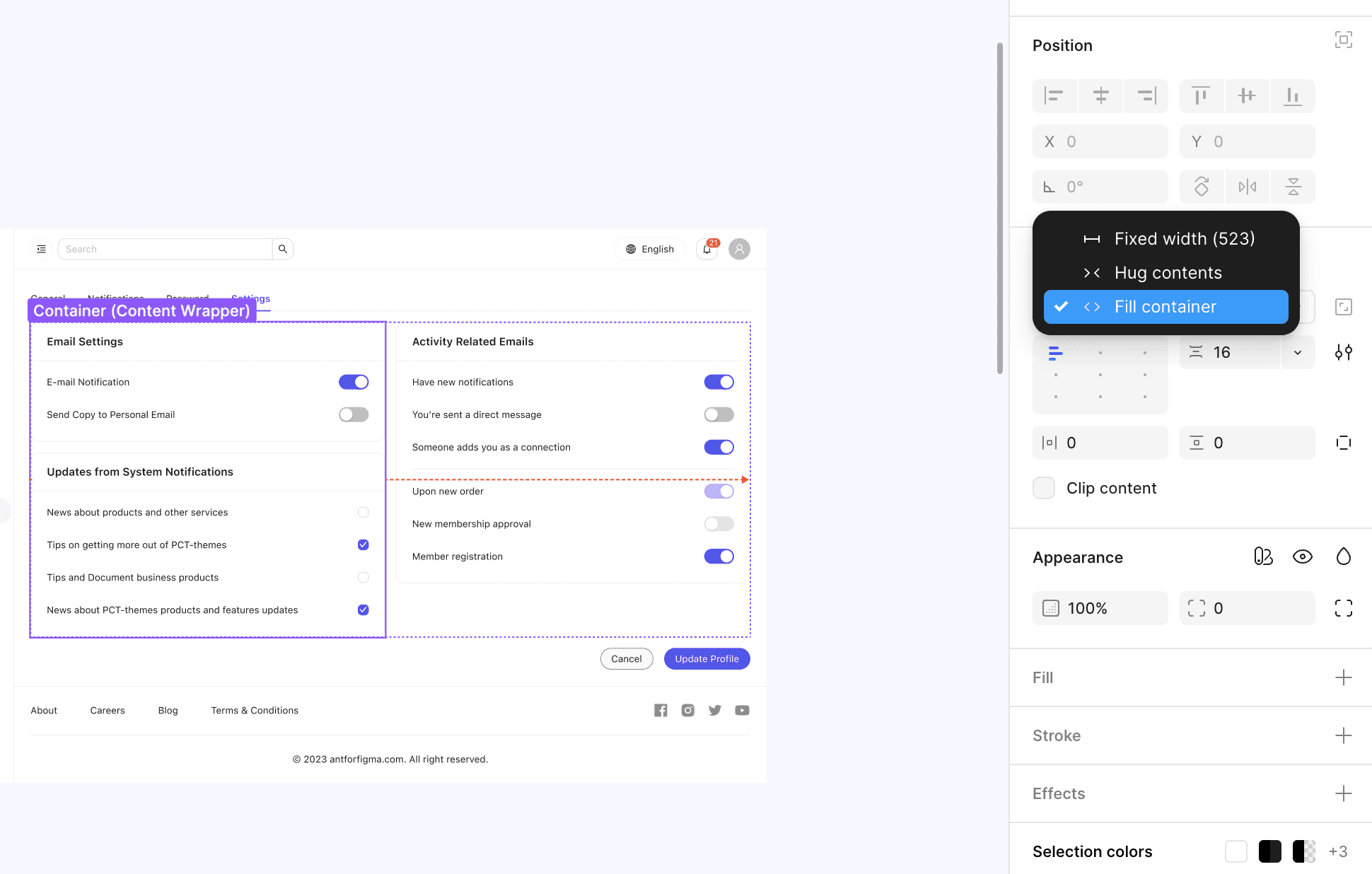
Build broader Figma knowledge through an individual bootcamp. Developer coaching and team workshops are separate offers.


Courses
Explore Our Figma Courses
Build broader Figma knowledge through an individual bootcamp. Developer coaching and team workshops are separate offers.
Courses
Explore Our Figma Courses
Build broader Figma knowledge through an individual bootcamp. Developer coaching and team workshops are separate offers.
Courses
Explore Our Figma Courses
Build broader Figma knowledge through an individual bootcamp. Developer coaching and team workshops are separate offers.
FAQ for Developers
Dev Mode, Make kits, MCP, and the limits of AI-assisted design-to-code workflows.
Do I need design experience?
No — we focus on the developer side of Figma so you can work effectively without being a designer.
Does Figma MCP automatically produce production-ready code?
No. MCP supplies structured design context to a compatible AI agent; the agent and your codebase determine the implementation. Training focuses on supplying better context and reviewing results. Engineering, accessibility, security, and deployment checks remain part of your development process.
Can you train our developer team?
Yes. Developer team workshops are scoped and quoted after a consultation. The listed developer session price is for one learner; see Pricing for current rates. Private Figma coaching packages and individual bootcamp places are separate offers.
Can we bring our existing design system or Make kit?
Yes. We can review the workflow and discuss appropriate learning goals. Make kits can use library styles, guidelines, and supported code packages. Preparing or publishing a production component package requires the appropriate developer and admin access and is not assumed to be included in a basic session.
Tim
Marta
Sam
Elon
Mark
What would you like to learn next?
Discuss your goals in a free 15-minute call. Choose practical Figma training, AI coaching, an individual bootcamp place, or a workshop for your team.



Practical Figma and AI training for individuals and teams. Choose private coaching, or discuss a tailored bootcamp or company workshop.
Copyright 2026 — All rights reserved.
Design Tools Coach is an independent training service, not affiliated with, sponsored by, or endorsed by Figma, OpenAI, Anthropic, or Google. Product names, logos, and brands belong to their respective owners.
What would you like to learn next?
Discuss your goals in a free 15-minute call. Choose practical Figma training, AI coaching, an individual bootcamp place, or a workshop for your team.
Practical Figma and AI training for individuals and teams. Choose private coaching, or discuss a tailored bootcamp or company workshop.
Copyright 2026 — All rights reserved.
Design Tools Coach is an independent training service, not affiliated with, sponsored by, or endorsed by Figma, OpenAI, Anthropic, or Google. Product names, logos, and brands belong to their respective owners.