What is Typography in Figma?
Learn how text styles, hierarchy, and responsive type work in Figma.
Overview
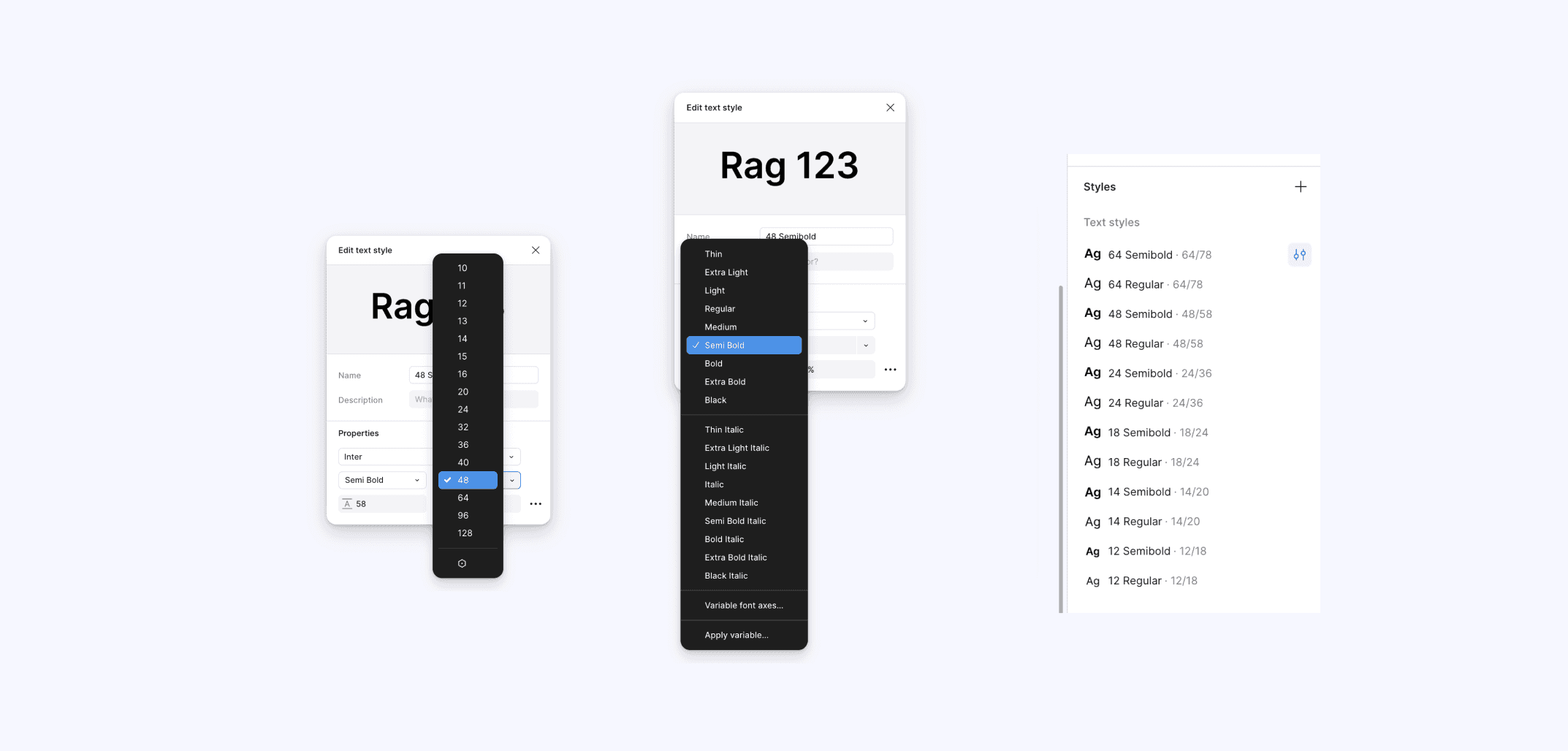
Typography in Figma covers everything related to text: fonts, sizes, line height, and spacing. It also includes reusable text styles that make your designs consistent and easy to scale.
How it works
Typography isn’t just about picking a font — it’s about creating a clear hierarchy and rhythm across your design. In Figma, you can define text styles for headings, subheadings, body copy, and captions, then apply them consistently across your project. Updates affect text that remains connected to the style. Published library changes also need to be made available and reviewed in the files that use them.
Typography becomes even more powerful when combined with Styles, Variables, and Responsive Design. For example, you can choose suitable type sizes or modes for different layouts and test them at intended widths. Variables do not automatically create CSS-style responsive breakpoints. For teams, typography is a key part of Design Systems, ensuring that every product shares the same visual language.
Practical examples
Setting up consistent heading and body text styles across a project
Creating responsive text that adapts to different screen sizes
Maintaining consistent typography across multiple brands or products
Documenting type rules inside a design system for team use
Typography for brand workflows
A brand team may need reusable presentation or campaign templates rather than a full product interface. See the brand and marketing training guide for a practical way to choose the learning goal.

Practical Figma training for your own work: private lessons, individual bootcamp places, and separately quoted company workshops. Discuss the tools and learning goals before booking.
Private 1-on-1 Figma lessons
Individual bootcamp places
Team and corporate workshops
Figma AI, agent & Make workflows
Practical, hands-on exercises
Offers