What is Prototyping in Figma?
Learn how to turn static screens into interactive, clickable prototypes.
Overview
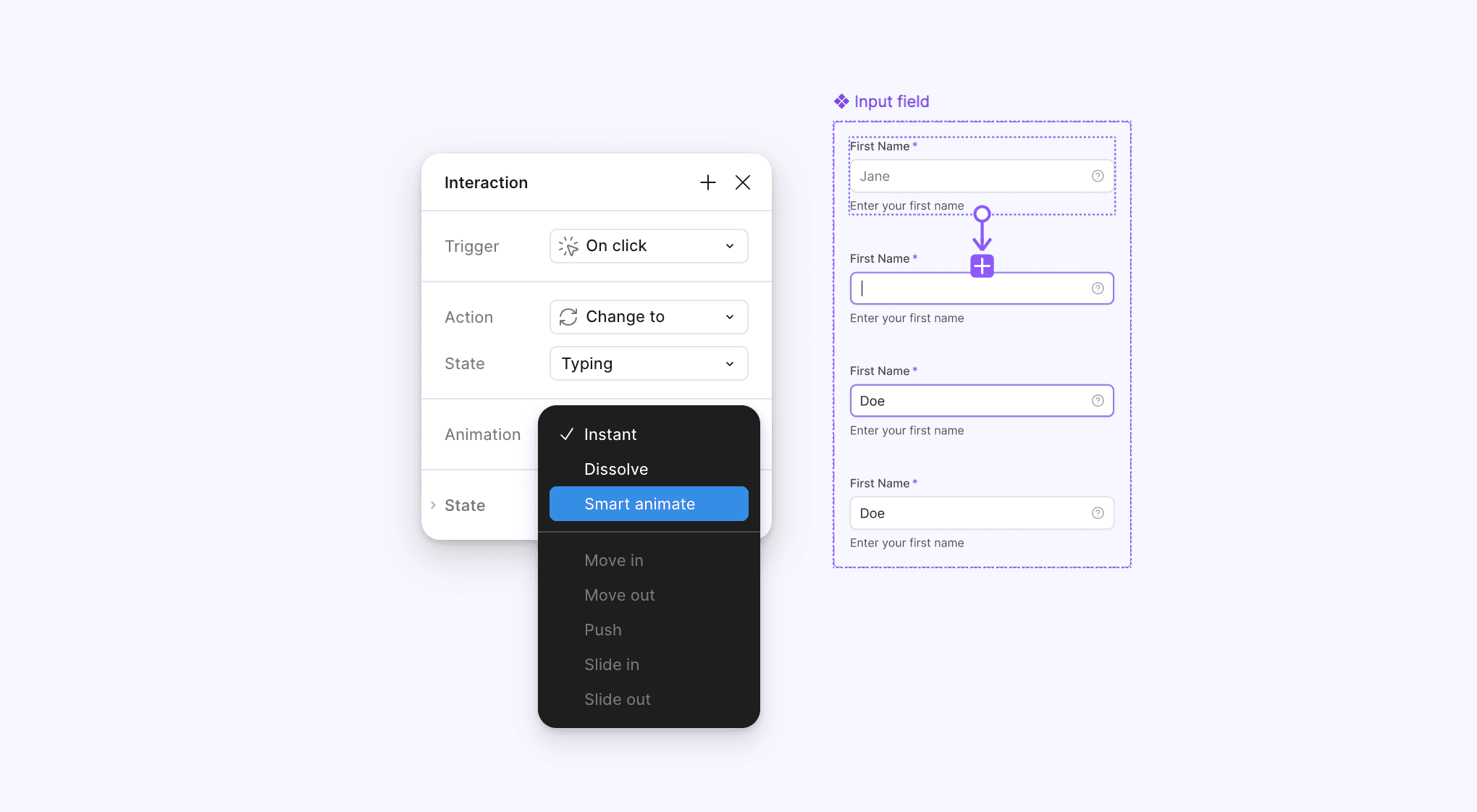
Prototyping in Figma lets you connect your designs together to simulate real user flows. Instead of showing flat images, you can create clickable prototypes that demonstrate how a product will behave — from navigation to animations.
How it works
With prototyping, you can link frames together, add transitions, and use Smart Animate to show smooth interactions. This makes it easier to explain your ideas to stakeholders and test with users before writing any code. Prototypes can include hover states, overlays, and even interactive components, giving a realistic feel to your design.
Prototyping becomes even more powerful when combined with Components and Variables. You can create reusable elements that stay consistent while also being interactive. And with Auto Layout, you can prepare layouts for different sizes, but you still need to test how the presented flow behaves. A Design prototype is not automatically a responsive production website.
If you’re preparing an MVP demo for investors or user testing, prototyping lets you show clickable flows without code — a common request from founders working on onboarding workflows.
Practical examples
Building clickable prototypes for mobile apps and websites
Testing navigation flows before development
Using overlays for menus, modals, or tooltips
Reviewing intended layout behaviour with appropriately prepared prototype screens
Design prototypes and Make prototypes
Choose the prototype format around the question you need to test. Compare the Figma agent and Figma Make before assuming that a code-backed preview and a screen-to-screen Design flow have the same behaviour.


Practical Figma training for your own work: private lessons, individual bootcamp places, and separately quoted company workshops. Discuss the tools and learning goals before booking.
Private 1-on-1 Figma lessons
Individual bootcamp places
Team and corporate workshops
Figma AI, agent & Make workflows
Practical, hands-on exercises
Offers