Figma training
Learn Figma with confidence, at your own pace.
New to Figma, moving from Adobe XD, Sketch or Axure, or looking to improve advanced skills? Learn through live, hands-on coaching with your own projects. Choose private lessons, team workshops, developer training, or focused group bootcamps.
4.9/5 average rating
1,000+ designers coached
Real-world, 1-on-1 guidance


Trusted by 1,000+ students worldwide



YOUR EXPERIENCE MATTERS
New software shouldn’t mean starting over.
You may already know layout, typography, prototyping, and collaboration. We connect those familiar concepts to Figma’s frames, Auto Layout, components, and libraries. We explain each step, answer questions along the way, and practise together so the approach makes sense for your work.
CHOOSE YOUR FORMAT
Find the right Figma training for you
Choose a focused private lesson, a team workshop, developer training, or a live group course. Each has a different purpose and learning experience.
What you’ll learn in Figma
Work from your existing design experience and practise the Figma tools that make your own projects easier to build, update, and hand off.
Figma Foundations
Navigate files, work with frames, and organize a clear starting point.
Auto Layout & Layout Guides
Practise resizing, spacing, and layouts at different intended widths.
Components & Variants
Build reusable elements with clear properties and states.
Interactive Prototypes
Connect flows and review interactions with realistic content.

Figma Make
Prompt a working prototype, refine it, and check the result.
Collaboration & Dev Mode
Prepare clear design intent and resolve handoff questions.
Figma AI & the Agent
Provide relevant context, guide canvas edits, and review changes.
Brand Assets & Presentations
Discuss practical workflows in Figma Buzz and Figma Slides.
Design Systems & Make Kits
Explore how reusable assets and guidance support consistent work.
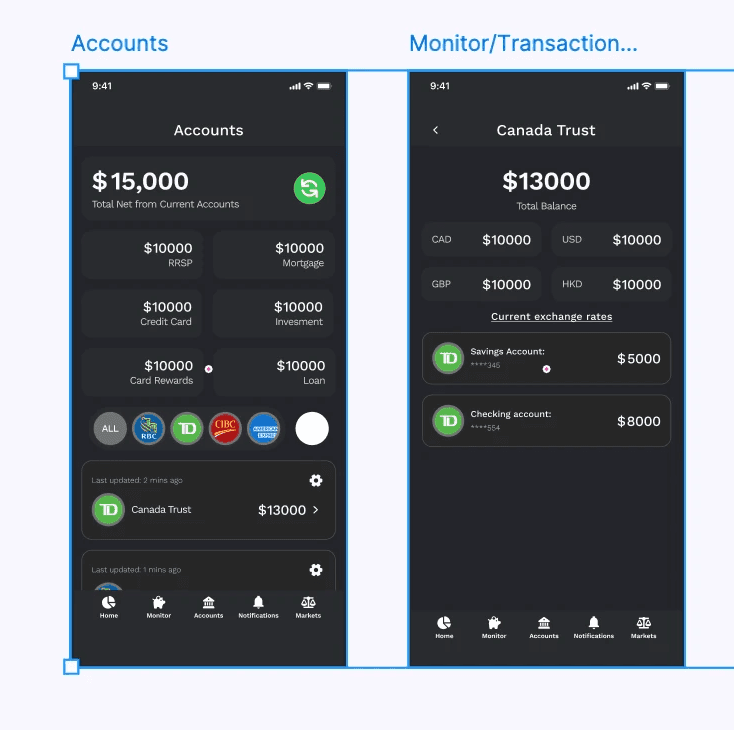
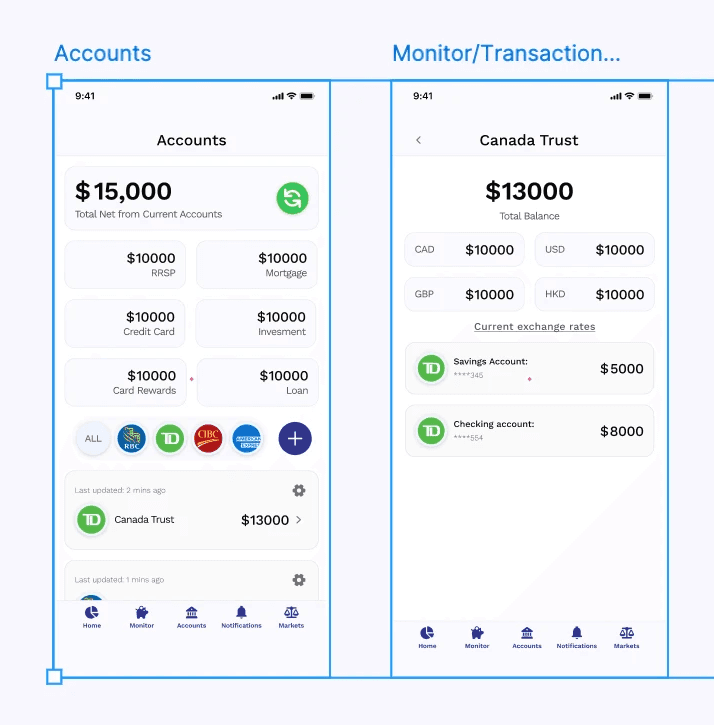


Our approach
How live Figma training works
We start with the tools and experience you bring. Each session combines clear guidance, hands-on practice, and a manageable next step.
01. Tell us what you want to learn
Share your current tools, files, and goals. We choose a starting point without assuming you’re new to design.
02. Focus on the next useful skill
Choose practical Figma tasks that will make the biggest difference to your own work.
03. Practise with live guidance
Watch a demonstration, try it in your file, and ask questions or repeat steps whenever you need.
04. Keep building confidence
Leave with a clear next step you can practise at your own pace between sessions.
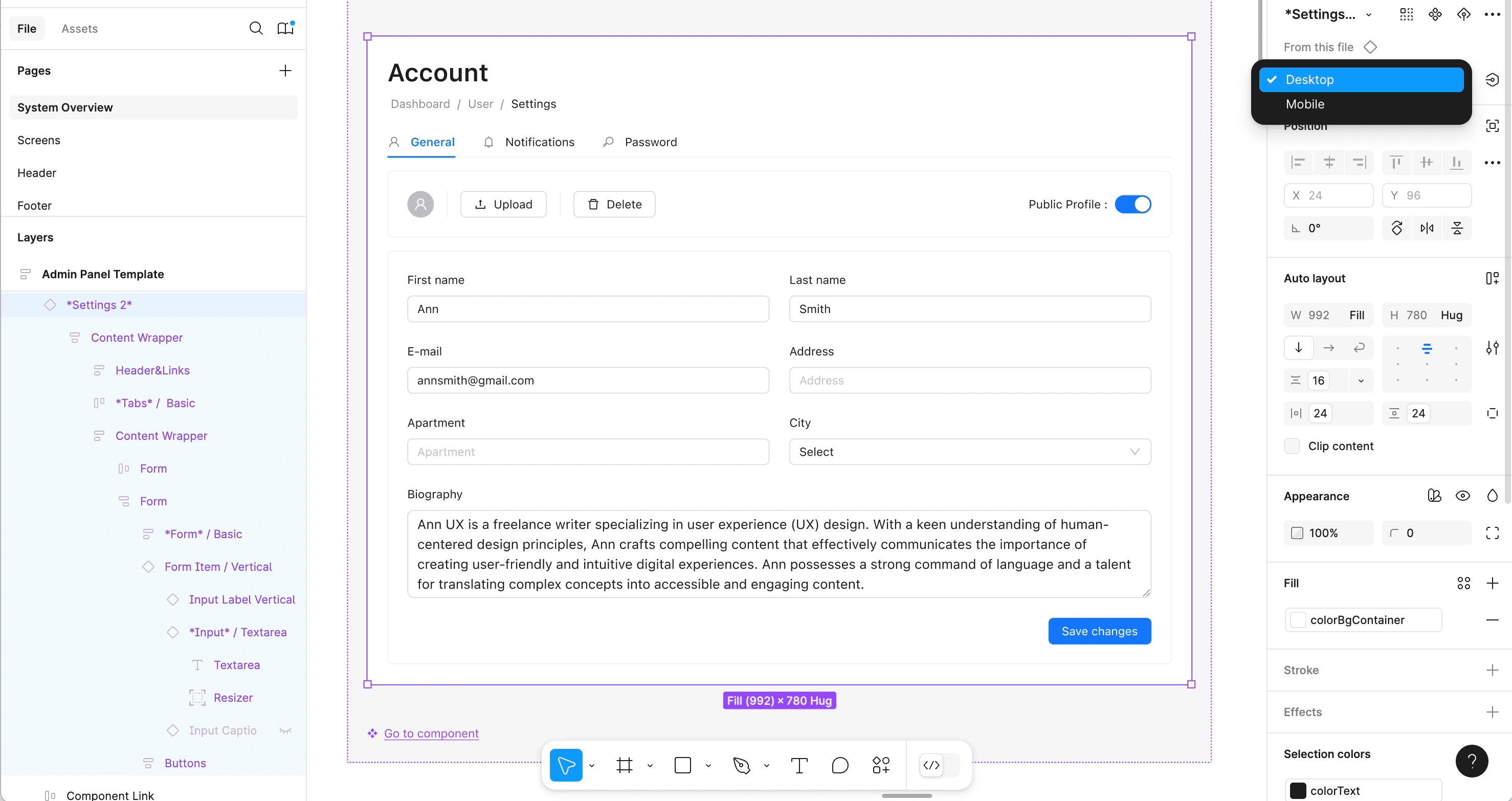
Learner feedback
How learners build confidence in Figma
Real feedback from designers who have worked through Figma questions and practical projects in one-to-one coaching.
SM

@marylouc
Canada
Super happy with my choice! Dejan is knowledgeable, patient, and explains everything with clarity. His 1:1 Figma coaching helped me make real progress quickly.

TM
@DavidRitter
United States
Dejan's ability to simplify complex design concepts is unmatched. His 1:1 Figma sessions are a must for anyone who wants to retain real, applicable skills. I can't recommend him enough!
SM

@joyceng501
Singapore
Dejan's professionalism and deep knowledge of Figma made every session insightful and enjoyable. His attention to detail truly stands out. Great for UX professionals!
MA

@matthew_arieta
United States
Working with Dejan was a breeze. His Figma coaching went above and beyond—structured, supportive, and filled with valuable feedback. A fantastic instructor for both new and experienced designers.
SM

@baldtel
United Kingdom
I learned more from two Figma coaching sessions with Dejan than I could have in months on my own. His teaching style is clear, powerful, and motivating. Highly recommended for beginners!
Start with your experience. Learn what you need next.
Choose the support that fits your goals, whether that’s one focused session, a series of lessons, or a workshop for your entire team.