Switching to Figma
Move from familiar design tools to Figma—confidently.
Your design experience matters. Moving from Adobe XD, Sketch, Axure, Photoshop, or established workflows? Work with a patient instructor on real files, learn the differences step by step, and practise at a pace that works for you.


Trusted by 1,000+ students worldwide



WHO THIS HELPS
For designers learning a new way to work
Whether you’re moving from another tool or still finding your footing in Figma, you’ll learn at a pace that respects what you already know.
Experienced designers
Build on years of design experience without repeating everything you already know.
Designers changing tools
Learn how familiar artboards, symbols, prototypes, and libraries work in Figma.
Independent designers
Modernize your client workflow with guided practice on projects you’re already working on.
Creative and product teams
Bring colleagues with different experience levels into a shared Figma workflow.
FROM FAMILIAR TO FIGMA
Your design skills, translated into Figma
Learn the modern equivalent of the tasks you already know—from layouts and symbols to prototypes, libraries, and developer handoff.
Figma Foundations
Map familiar artboards and layers to Figma frames, pages, and sections.
Auto Layout & Layout Guides
Understand resizing, spacing, and responsive rules compared with older constraints workflows.
Components & Variants
Translate symbols and reusable assets into components, variants, and properties.
Interactive Prototypes
Rebuild familiar interactions and review them as realistic prototypes.
Collaboration & Dev Mode
Share work, communicate changes, and prepare clear Dev Mode handoff.
Design Systems & Make Kits
Bring shared styles into Figma variables, reusable libraries, and consistent systems.
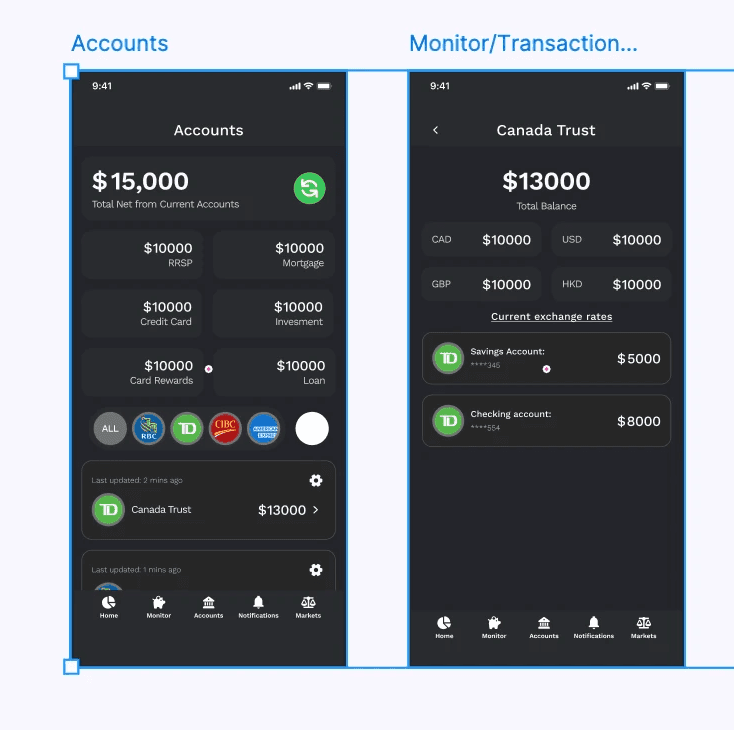
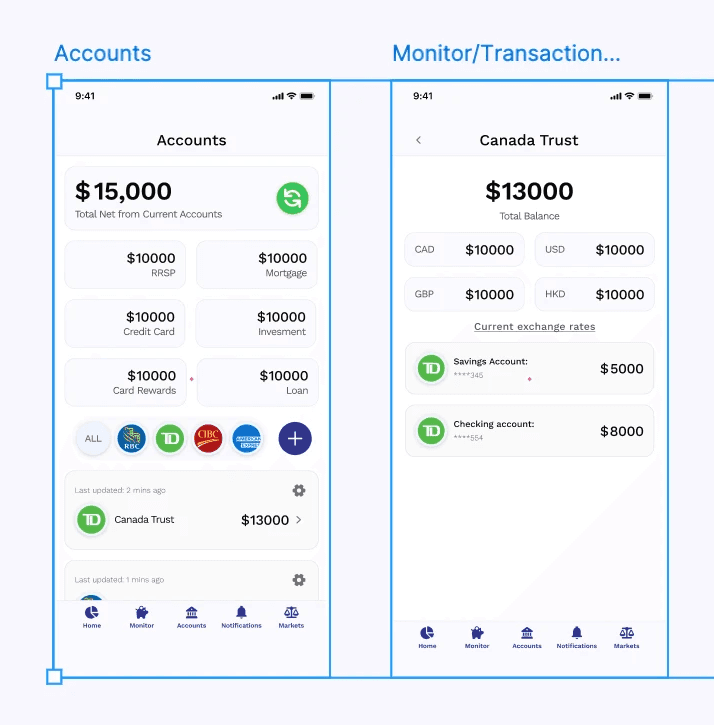


Learn a new workflow without the pressure.
You don’t need to master every shortcut before you begin. We start from a task you already understand, show the Figma equivalent, and practise together. If something doesn’t click, we explain it another way.
01 · Show us your current workflow
Bring an XD, Sketch, Axure, or Photoshop file, or simply show how you work today. We start with what’s familiar.
02 · Translate one task at a time
See how the same task works in Figma, practise with guidance, and make space for questions or repetition.
03 · Leave with a practical next step
Apply what you learned to your project and leave with a manageable plan for practising on your own.
Questions about switching to Figma
You don’t have to learn everything at once. Here’s how guided training works when you’re bringing years of experience—or simply prefer more time to practise.
I’ve used another design tool for years. Do I need to start at the beginning?
No. Your experience is an asset. We start with the tasks you already know, focus on where Figma works differently, and revisit fundamentals only when they’re useful.
What if I need more time to understand a feature?
Private lessons move at your pace. We can repeat steps, try a different explanation, and practise together with your own project until the approach is clearer.
Can I bring existing Adobe XD, Sketch, Axure, or Photoshop files?
Yes. Bring a project or examples of your current workflow. We’ll decide how best to recreate or adapt it in Figma; available import options vary by source file.
Do I need to book a full course?
No. Start with one private lesson. If you’d like ongoing help, choose additional coaching hours, a group course, or a tailored team workshop.
Ready to make Figma feel familiar?
Book a private session to work on your own design task, or arrange team training to help colleagues move to Figma together.